Inventory
Inventory management software for Indian retail and wholesale
EzyBook counts every item in every shop and godown, live. Because stock, sales and accounting share the same records, the number on your shelf and the number in your accounts are always the same. No matching up Excel sheets at night, and no asking which sheet is the latest one.
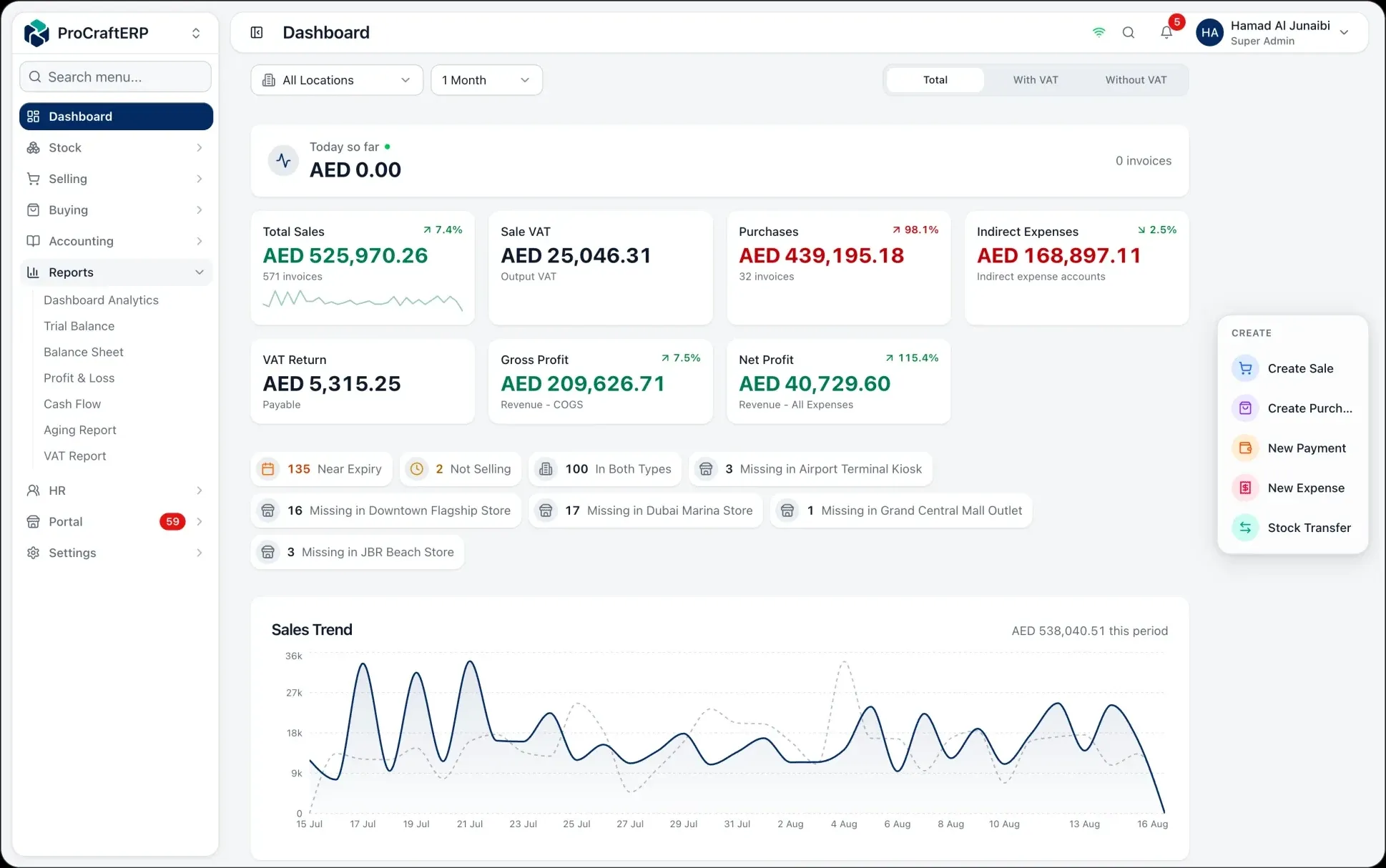
Stock per product, per location
Every product has a live quantity at each shop and godown. Branch transfers are documented end to end, and reservations hold stock for pending orders so you never oversell what is already promised.
Batch, expiry and barcode counts
Track batches and expiry dates with automatic expiring-soon and expired alerts — the difference between a pharmacy that writes off stock and one that moves it. Count on the floor with a scanner and post the variance in one step.
Costing that posts itself
Weighted-average cost is maintained as you receive and sell, so COGS and stock valuation are always current — and posted to the general ledger the moment a transaction happens, not at month end.
Low-stock and reorder visibility
Per-product minimum levels drive low-stock alerts and a daily scan, so reordering is something you decide rather than something you discover.
- Real-time quantity by product and location
- Inter-branch transfers with a full audit trail
- Batch and expiry tracking with alerts
- Barcode stock counts with variance review
- Automatic weighted-average costing
- Role-based permissions scoped per branch
Frequently asked questions
- Does it handle multiple shops and a godown?
- Yes. Multi-location is the default. Stock is tracked per product per location, transfers are documented, and every report rolls up across all locations or filters to one.
- Can it track expiry dates and batches?
- Yes. Inventory records carry batch and expiry data, with automatic expiring-soon and expired flags plus a daily background scan that raises alerts.
- How does stock counting work?
- Scan items into a count session, review expected against counted with the variance shown, and submitting the session posts both the stock adjustment and its accounting entry.
- Does the stock figure reach my books automatically?
- Yes — that is the point of one ledger. Receipts, sales, transfers and adjustments all post double-entry as they happen, so stock valuation on the Balance Sheet is never a separate calculation.